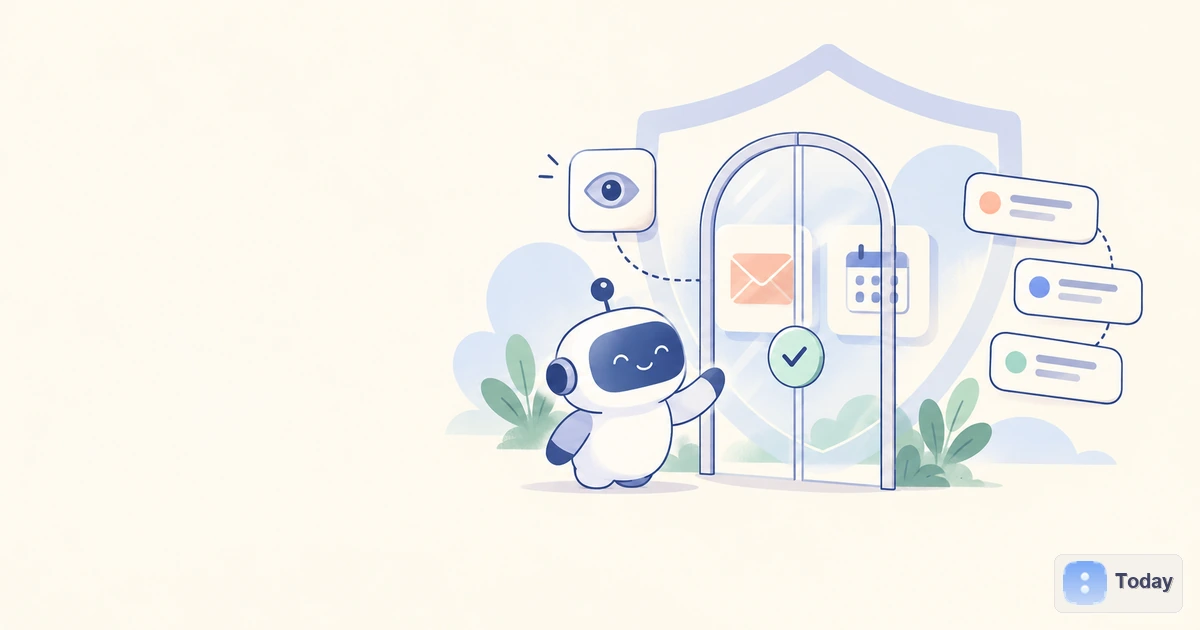
Connecting an AI agent to your inbox or calendar can remove real work. It can prepare a morning brief, find a missing attachment, draft a reply and spot a meeting conflict without asking you to paste every detail into a chat.
The same connection also gives the agent access to a map of your life: who you speak with, what you are planning, where you will be and which commitments matter. If the agent can send mail or edit events, a misunderstanding can leave the private workspace and affect someone else.
The useful question is therefore not simply, “Is this agent safe?” It is: what can it see, what can it change, when must it stop, and what remains after I disconnect it?
This guide provides a practical way to answer those questions. Product behavior and policies can change; examples below reflect public documentation available on October 16, 2026.
Treat Access as a Ladder, Not a Switch
An account connection is often presented as one consent screen, but the authority behind it can include several very different powers.
| Level | What the agent can do | A sensible first use |
|---|---|---|
| Read | Retrieve messages, events and selected metadata | Summarize tomorrow's schedule or find messages awaiting a reply |
| Prepare | Create a draft, proposed event or suggested change | Draft a response or prepare a meeting invitation for review |
| Write | Send mail, add attendees, edit or cancel events | Send an approved reply or reschedule a specific meeting |
| Administer | Change rules, delegates, sharing, retention or account settings | Rarely necessary for a personal-assistant workflow |
The labels on a consent screen may not match these plain-language levels. A technical “modify” scope, for example, may permit more than drafting. Expand the details and check the actual operations that the app can perform.
For most people, the best starting point is read and prepare. The agent can prove that it understands the right messages, people and calendar rules before it receives authority to communicate or change shared records. The progression described in our personal AI agent use cases follows the same logic: widen authority only after the exact workflow is reliable.
Email and Calendar Reveal More Than Their Obvious Contents
The sensitive part of an inbox is not limited to the words in the message body. Depending on the connection, an agent may encounter:
- sender and recipient relationships;
- subject lines, attachments and quoted conversation history;
- invoices, travel confirmations, password-reset messages and medical correspondence;
- contact details, signatures and confidential notices;
- links to private documents or authenticated services.
A calendar can reveal attendee lists, meeting titles, locations, video-call links, descriptions and recurring patterns. Even an event with a vague title can become revealing when combined with an address, another attendee and related email.
This combination matters. An agent that can search both systems may infer more than either connection exposes alone: a hiring process, an upcoming trip, a health appointment or a relationship between two people. That contextual power is precisely why the integration is useful. It is also why “the app only reads my calendar” is not a complete privacy assessment.
Before connecting an account, define a real task. “Manage everything” gives you no way to judge whether the requested access is proportionate. “Prepare a list of messages I owe a reply and flag conflicts on my work calendar” gives you a scope, an output and a boundary.
Eight Questions to Answer Before You Authorize Access
1. Can reading and sending be separated?
Look for separate controls for reading mail, drafting, sending, reading events and changing events. If a service asks for send or delete authority to produce a summary, the requested power exceeds the job.
Some platforms expose narrow controls; others receive a broader provider scope and enforce narrower behavior inside their own product. The latter asks you to trust both the identity provider's permission and the agent's internal policy. The product should explain that distinction rather than hiding it behind a friendly toggle.
2. Can the scope be narrowed by account, folder or calendar?
A secondary inbox, a project label or one calendar can be a safer trial than a primary account containing years of personal history. Work and personal accounts also carry different obligations. An employer may restrict third-party integrations even when the user can technically authorize one.
Use the smallest account and dataset that can complete the task. Least privilege does not mean refusing every useful permission; it means declining permissions that do not contribute to the intended result.
3. Does approval show the exact action?
“Allow the agent to help with email” is not meaningful approval for a particular send. A useful confirmation shows:
- the final recipients, including CC and BCC;
- the subject, body and attachments;
- whether the message starts a new thread or replies to an existing one;
- the calendar, time zone, attendees and meeting details being changed;
- whether the action is reversible.
Approval should be bound to that exact operation. Editing the recipient or attachment after approval should require another check. The OWASP prompt-injection guidance likewise recommends validating tool calls against permissions and requiring human approval for consequential actions.
4. Is there an activity history you can understand?
An audit trail should answer what the agent read, proposed and changed, when it happened and which instruction or routine initiated the work. A stream of technical logs is less useful if a normal user cannot connect it to a sent message or edited event.
Check whether the history includes failed and blocked attempts, not only successful actions. Also ask how long it remains available and whether it can be exported. Inspection will not prevent every mistake, but it makes correction and accountability possible.
5. Are credentials kept outside the model's view?
OAuth or another delegated authorization method is generally preferable to typing a password into a prompt. The important design question is whether the agent receives a limited token through a protected tool boundary or can directly view and reproduce the underlying credential.
Credential isolation does not make the integration automatically safe. An agent may still misuse an authorized session. It limits one class of exposure and makes revocation more practical. Never paste passwords, recovery codes or long-lived access tokens into an ordinary agent conversation.
6. Can you stop work and revoke access immediately?
Find both controls before the first sensitive task:
- a way to stop the current run or take over;
- a way to disconnect the app inside the agent product;
- a way to revoke the connection at the email or calendar provider;
- a way to disable scheduled routines that might start again.
Revoking at the identity provider is an important backstop if the agent's own interface is unavailable. After revocation, verify that recurring jobs fail closed instead of repeatedly asking for new credentials or switching to a broader browser session.
7. What exactly does deletion remove?
Disconnection and deletion solve different problems. Disconnecting should prevent future retrieval. It may not remove:
- conversations containing quoted email or event details;
- memories extracted from connected data;
- files created in a remote computer;
- task results and scheduled-work history;
- security or audit records;
- delayed backups governed by a separate retention window.
Look for controls covering each layer and read the current privacy or retention policy. “Delete chat,” “forget this,” “clear task data” and “delete account” may affect different stores. If the product does not explain the distinction, assume that disconnecting alone is not a complete deletion request.
8. How does the product handle untrusted content?
Email and calendar invitations arrive from other people. They are therefore inputs the agent should treat as untrusted, even when they appear inside an account you authorized.
An attacker can place hidden or visible instructions in a message, document or webpage and hope the agent mistakes them for your command. Google describes this risk in its Gemini in Chrome safety guidance: malicious content could try to make an agent disclose information from email or send it elsewhere. Google also states that its safeguards do not guarantee protection against every risk.
Useful defenses include isolating untrusted content from instructions, restricting each tool to the minimum authority, validating the proposed action outside the model and requiring approval for sensitive effects. No single filter turns broad account access into a risk-free connection.
What Current Products Show About Permission Design
Current products illustrate useful controls, but their public descriptions should not be read as independent proof of security.
Meta Muse. Meta says users can choose whether Muse may only read email or also send it, that credentials are stored where Muse cannot see them, and that sensitive actions such as sending email or making a purchase require confirmation. Its launch description also promises an audit trail, app disconnection and the ability to ask Muse to forget information. These are concrete controls to look for in any product; they are not a guarantee that every task will be interpreted correctly. See Meta's Muse announcement.
OpenAI dots. OpenAI says a dot's cloud computer remains separate from the user's computer unless the user connects it. App permissions use existing ChatGPT controls; built-in and custom rules decide whether an action can proceed, requires approval or is blocked. Activity View and computer inspection make work visible, while certain sensitive steps remain with the user. OpenAI also warns that dots can make mistakes and consequential work should be reviewed. See the dots product and safety overview.
Google Gemini. Google's privacy documentation says Gemini tasks may process information from Connected Apps, signed-in websites, remote-browser sessions and remote-computer files. Necessary information may be shared with services and third parties to complete a task, and task data can be managed in settings. This is a useful reminder that a connection can move data across several processing environments, not merely from an inbox into a chat. See the Gemini Apps Privacy Hub.
The comparison is not about declaring one product safe and another unsafe. It shows what a meaningful disclosure looks like: named data sources, separate permissions, visible approvals, inspectable activity and explicit retention controls.
A Safer Rollout for a Useful Email or Calendar Agent
You do not need to choose between no integration and complete autonomy. Introduce access in stages.
Stage 1: Read a limited source
Connect one low-sensitivity inbox, label or calendar if the product allows it. Ask for a daily summary or conflict report. Check whether the agent includes the right items, respects date and time-zone details and identifies uncertainty.
Stage 2: Let it prepare, not publish
Allow drafts or proposed event changes. Review tone, recipients, quoted history, attachments and whether private context leaks into a message to someone who should not see it.
Stage 3: Approve each external action
Enable sending or editing only when the confirmation contains the final operation. Avoid bulk sends, first-time recipients and irreversible deletions during the trial.
Stage 4: Automate a narrow routine
After repeated success, allow one bounded routine such as sending an approved meeting reminder to a fixed group. Set limits for recipients, domains, time windows and event types. Review the activity history regularly.
Stage 5: Reassess and remove unused access
Permissions accumulate. Schedule a periodic check of connected apps, active routines, remembered information and retained task files. Remove access that no longer supports an actual workflow.
This approach does not eliminate risk. It makes the consequences of a mistake smaller while you learn how the product behaves with your data.
When Not to Connect the Account
Do not connect an agent merely because the setup flow makes it easy. Pause when:
- the requested scope is much broader than the promised task;
- reading cannot be separated from sending, deleting or administration;
- the account contains client, patient, employee or privileged material you are not authorized to share;
- the product does not explain retention, training use or deletion;
- consequential actions happen without a specific confirmation;
- activity cannot be inspected or stopped;
- you would not notice a wrong recipient, changed time or missing attachment before harm occurs.
A manual export, forwarded message, dedicated calendar or read-only secondary account may deliver enough context without exposing the primary system. Sometimes the right answer is not “never,” but “not this account, not this permission and not yet.”
The Permission Boundary Is Part of the Product
Email and calendar integrations are valuable because they give an AI personal agent continuity across conversations and real events. They also turn an abstract assistant into an actor inside systems shared with other people.
That is why privacy cannot be reduced to a lock icon or one consent screen. A trustworthy design makes authority legible: read is separate from write, credentials are contained, exact actions pause for review, history is inspectable, access is revocable and retained data can be found and deleted under clear rules.
The goal is not maximum access. It is enough access to complete a defined job, with a boundary you can still see when the agent is most useful.