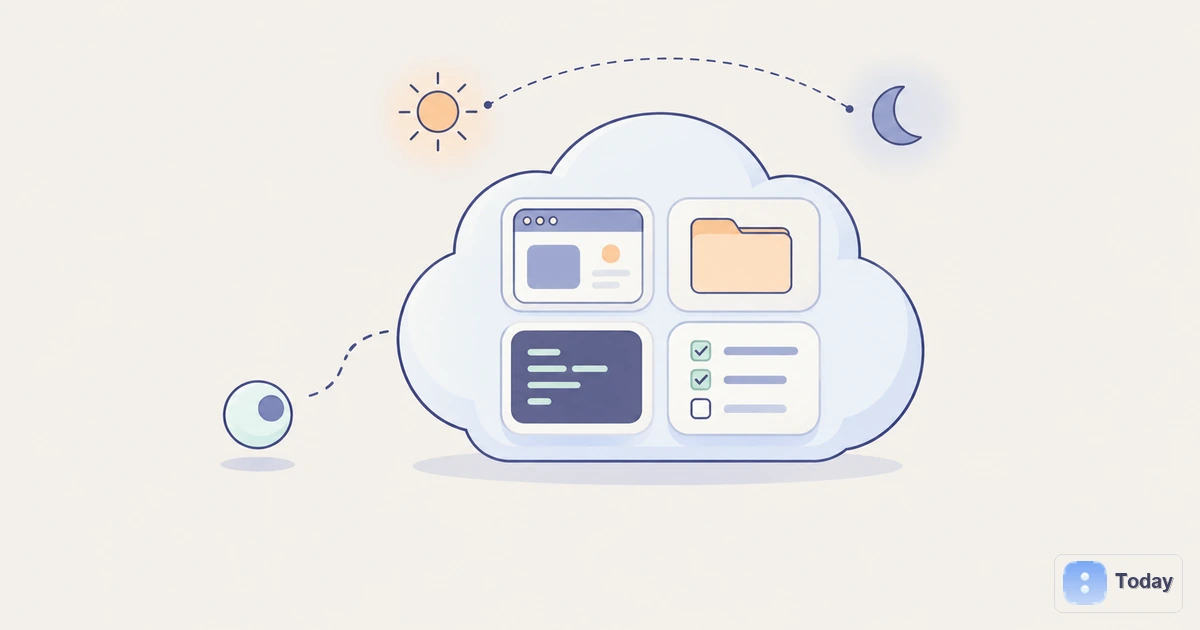
Five recent personal-agent products arrived with an oddly physical idea at their center: give the AI a computer of its own.
OpenAI says every dot has a cloud computer and browser. Grok Bot runs on a persistent cloud computer with a browser, filesystem and terminal. Meta describes Muse as sharing a secure virtual machine with its user. Manus gives each Cue agent a computer alongside an email address, phone number and wallet.
This is more than infrastructure trivia. A model can plan a task, but it needs somewhere to keep the open tabs, downloaded files, installed tools and half-finished work. The cloud computer is becoming that place.
A Model Can Think Without Having Anywhere to Work
A chat session is a poor office. It can hold a conversation and produce a document, but its working state is usually assembled for one request and then discarded or compressed. Long-running work exposes the gap.
Imagine asking an agent to monitor customer feedback, reproduce a reported bug, draft a fix, run tests and prepare a pull request. The model needs reasoning, but the job also needs a browser session, a repository, dependencies, artifacts and a state that survives interruptions. If those pieces disappear after every turn, the user becomes the storage layer and project manager.
A cloud computer gives the agent a durable execution environment. It can keep:
- browser tabs, cookies and authenticated sessions;
- files, folders and intermediate artifacts;
- installed software, scripts and command-line tools;
- task history and checkpoints;
- processes that continue while the user’s laptop is closed.
That does not make the agent intelligent, and it does not guarantee that the work is correct. It turns intelligence into a process that can continue somewhere.
Cloud Computer and Computer Use Are Different Layers
The terms are often collapsed, but they answer different questions.
Computer use is an interaction capability. The agent interprets a screen or interface, then clicks, types, scrolls or navigates much as a person would. It can run locally, inside a temporary browser or on a remote machine.
A cloud computer is an execution environment. It supplies compute, storage, software and persistent state. An agent may operate that environment through computer use, APIs, terminal commands or all three.
The distinction matters because a product can have one without the other. An agent can control your local Mac without owning a cloud machine. Another agent can run scripts and call APIs on a cloud computer without visually clicking through applications. The new personal-agent products are notable because many combine persistent cloud state with human-style browser access.
Four Products, Four Ways to Assign the Machine
The phrase “its own computer” hides several architectures.
| Product | Who the computer belongs to | What the design emphasizes |
|---|---|---|
| OpenAI Dots | Each dot has a cloud computer; it can also connect to a user computer | One continuing agent that can work across cloud and local contexts |
| Grok Bot | Bots on one account share a persistent cloud computer | Shared files, browser sessions and handoffs across a roster of Bots |
| Meta Muse | The user and Muse share a persistent, isolated Linux VM | Visible browser work and the user’s ability to intervene |
| Manus Cue | Each agent receives a computer as part of its own operational identity | Separate agents that can communicate, spend within a budget and hand work to one another |
There is also a fifth pattern: a disposable machine for one task. The Manus Sandbox provides an isolated virtual machine with a browser, filesystem and tools for each task. That is useful for clean execution, but it is conceptually different from the persistent workspace described in Manus Cloud Computer.
No design is automatically best. A shared account computer makes collaboration and reuse easier, but one compromised session may expose more work. A separate machine per agent creates cleaner boundaries, but adds cost and makes coordination harder. A per-task sandbox reduces state leakage, but forces the system to reconstruct context each time.
Persistence Is the Feature Users Actually Feel
“Runs in the cloud” sounds technical. Persistence changes the experience in concrete ways.
An agent can start a research task on Tuesday, wait for a source to update, and return on Friday without asking the user to upload the same files again. It can keep a development environment intact between review rounds. It can remain signed in to a supplier portal, preserve a spreadsheet it is reconciling and continue a scheduled routine while the user changes devices.
OpenAI’s Dots announcement illustrates the shift with a dot that noticed an overdue invoice, prepared it and sent it after approval. The significant part is not invoice generation. It is the chain: remembering an obligation, retaining the relevant context, preparing an artifact and pausing at the consequential action.
Grok Bot makes persistence explicit in its documentation: Bots on an account share files, browser sessions and app logins, and work continues when the user’s laptop is closed. Muse describes a persistent VM that the user can enter at any time. Cue turns the machine into one component of an agent’s identity.
These products are all trying to remove the same burden: the person should not have to reconstruct the workplace every time the AI resumes.
APIs Still Matter More Than Clicking When They Exist
A cloud computer is not an argument against connectors or APIs.
For a supported action, an API usually offers clearer permissions, structured data and more predictable failure handling than visual interaction. Calendar availability is easier to retrieve through a calendar API than by reading pixels. A connector can restrict an agent to creating draft emails, while a browser session may expose a much larger surface.
The computer becomes valuable at the edges:
- a service has no useful API;
- a workflow crosses several web applications;
- a task needs local files or a specific desktop tool;
- code must be executed and its output inspected;
- the agent needs a durable place for intermediate work;
- a human must take over the exact screen where the agent stopped.
The strongest architecture is therefore hybrid. Use an API for reliable, bounded operations; use the computer for the long tail; ask the person before an action changes the outside world.
The Same Persistence That Helps Also Raises the Stakes
A temporary chat knows less and can do less. A persistent computer accumulates useful state—and risk.
Authenticated browser sessions may include email, financial services or internal systems. Downloaded documents may contain sensitive information. A malicious instruction hidden on a web page can attempt to redirect the agent. A mistaken action may survive long after the conversation in which it began.
Before trusting an agent’s cloud computer, check six boundaries:
- Isolation: Is the machine dedicated to one task, one agent, one user or an entire account?
- Credentials: Can the model read passwords or tokens, or are they injected through a protected store?
- Approvals: Which sends, purchases, deletions, publications and production changes must stop for review?
- Visibility: Can you watch the browser, inspect files and understand why the agent took an action?
- Recovery: Can you stop work, restore a checkpoint, revoke sessions and undo changes?
- Deletion: What survives when a task, agent or account is removed?
Muse says credentials are kept in a store the agent cannot read, critical actions require approval and users receive an audit trail. Grok Bot’s own guidance recommends beginning with “read and prepare” work before saving routines or allowing consequential actions. OpenAI similarly treats prompt injection as an ongoing risk and gives Dots an Activity View and approval gates.
Isolation protects your laptop from some failures. It does not turn broad access into narrow authority.
What a Useful Cloud-Computer Agent Should Show You
The interface should make the invisible workspace legible. A user should be able to answer:
- What is the agent doing right now?
- Which source triggered this task?
- What files and accounts can it reach?
- What has changed since the last checkpoint?
- Which decision is waiting for me?
- What will happen if I stop it?
This is where personal-agent design moves beyond raw infrastructure. A server can run indefinitely; a trustworthy agent has to explain unfinished work, interruptions and authority in human terms.
Today’s approach to the broader category starts from living memory and continuity: the agent should understand the person’s ongoing context, intervene selectively and keep execution behind clear boundaries. A cloud computer can support that loop, but it is not the relationship by itself. Memory must remain inspectable, initiative must be relevant and completed actions must be distinguishable from drafts or suggestions.
How to Evaluate the Next Agent With “Its Own Computer”
Do not stop at the launch phrase. Ask for the operating model.
- Is the environment persistent, and for how long?
- Are browser sessions shared across agents?
- Can the agent install software or run arbitrary code?
- Can it reach a local computer, and under what permission?
- Which actions always require confirmation?
- Can you export the files and activity history?
- What happens when the agent encounters a login challenge or ambiguous instruction?
- How are compute time, storage and parallel tasks billed?
These questions expose meaningful differences that a feature checklist misses. Two products may both advertise a cloud computer while offering very different isolation, autonomy and recovery models.
The Computer Is the Agent’s Workplace, Not Its Judgment
The current wave of personal agents is giving software something previous assistants rarely had: a place where work remains after the conversation ends.
That is why cloud computers keep appearing. They hold the browser, files, tools and unfinished state required for an agent to carry a task across hours or days. They also turn abstract permission into real access.
The model may decide what to do next. The cloud computer is where that decision becomes durable. The products that last will be the ones that make both the work and the boundary visible.