Download Today
Today runs on your Mac today, on your iPhone through the TestFlight beta, and in any browser without an install. Windows, Android and Linux are next — your memory follows you across all of them.

Every Platform Today Runs On.
Start where you already are. Anything you add on one device is there on the next one you open.
macOS
AvailableThe full desktop app: daily brief, memory, routines and keyboard-first capture.
macOS 15 or later · Apple Silicon & Intel
iOS
BetaPublic beta on TestFlight. Proactive notifications, voice capture and the morning brief.
iOS 17 or later · TestFlight
Web
AvailableNothing to install. Sign in and your memory, threads and routines are already there.
Any modern browser
Windows
Coming soonIn build. Start on the web today — everything carries over when Windows ships.
Windows 11
Android
Coming soonIn build, following the iOS beta. Same brief, same memory.
Android 13 or later
Linux
Coming soonPlanned after Windows. Tell us your distro and we will prioritise it.
Ubuntu / Debian
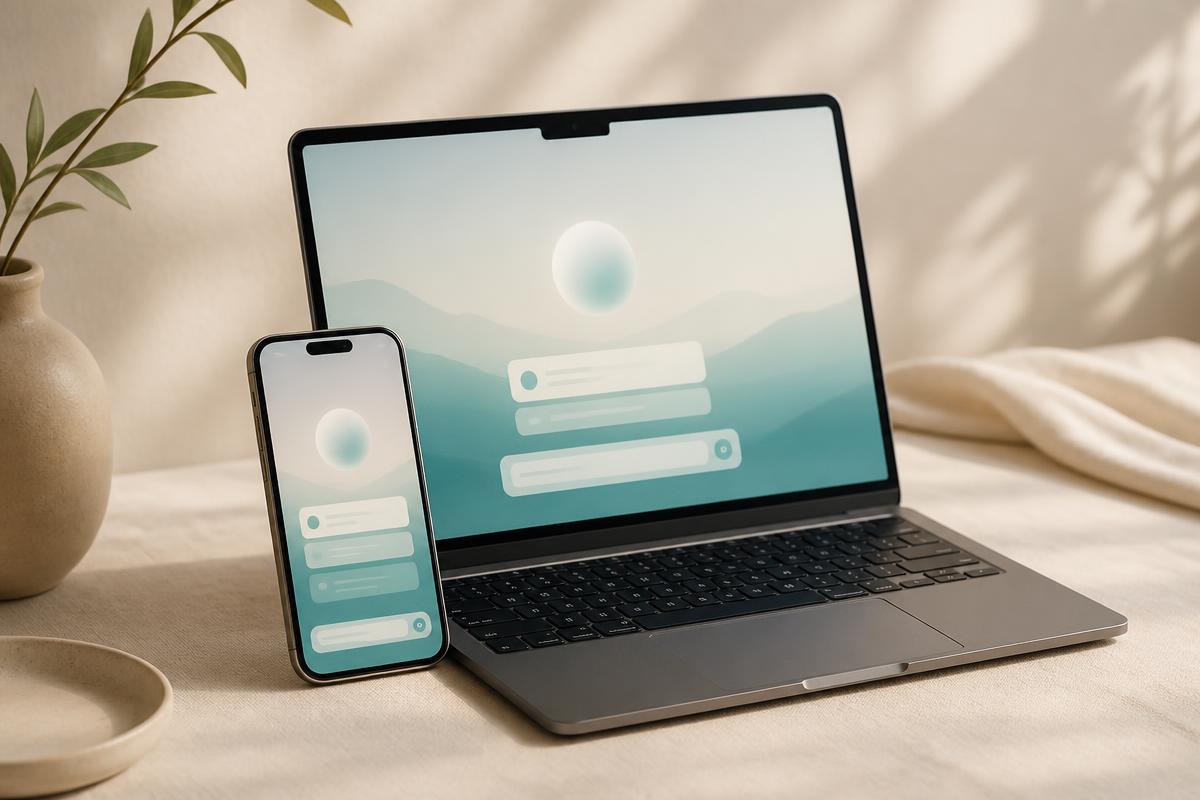
Install Once, Continue Anywhere.
One Memory, Every Device
Threads, routines and everything Today remembers live with your account, not the machine you typed it on.
You Choose Each Connection
Calendar, mail and health permissions are granted per device and can be revoked without losing your history.
Pick Up Mid-Sentence
Start a plan on the Mac at lunch, finish it on your phone on the train. Same thread, no re-explaining.
Four Minutes From Install to First Brief.
- 1
Install and Sign In
Download the app for your platform, or open Today in a browser. One account carries everything.
- 2
Connect What You Already Use
Calendar, mail, health and notes. Each connection is optional and revocable, and Today only reads what you allow.
- 3
Tell It One Thing About Your Week
A deadline, a training block, a person you keep forgetting to call. Memory starts from the first sentence.
- 4
Let the Morning Brief Do the Rest
From day two Today arrives with a short list instead of a blank prompt — on whichever device you opened first.
Download Questions, Answered.
Which platforms can I download Today on right now?
macOS is a direct download and runs on both Apple Silicon and Intel Macs (macOS 15+). iOS is available as a public TestFlight beta. The web app needs no download at all. Windows, Android and Linux are in build.
Is Today free while it is in beta?
Yes. Every platform is free during the beta, with no credit card. Pricing arrives after the beta, and beta members keep an early-adopter rate.
Do I need the desktop app, or is the web version enough?
The web app has the full assistant. The desktop app adds a global capture shortcut, offline drafts and native notifications, which is why most people keep both.
Does my memory sync between devices?
Yes. Memory, threads and routines live with your account, so anything you tell Today on your phone is there on your Mac seconds later.
How do I join the iOS TestFlight beta?
Install Apple's TestFlight app, then open the Today beta invite from the download page. Builds update automatically as we ship.
When will Windows and Android land?
Windows is first, then Android, then Linux. Start on the web or desktop today — your memory and account carry over the day each build opens.
Can I use Today on an Apple Watch?
There is no standalone watch app yet, but Today reads Apple Watch signals through Apple Health for sleep, activity and recovery.
Get Today on Your Devices.
Mac is a direct download, iPhone runs as a TestFlight beta, the web needs no install, and Windows and Android are next.
Get started